January 30th, 2026
New
Zoom Integration
We've been hearing from teams who spend hours in Zoom meetings every week, then struggle to find that one decision or action item from last month's standup. Today, we're solving that problem.
Get Started at: Zoom Integration
Zoom Integration: Never Lose Track of Meeting Insights Again
Your Zoom meetings are full of valuable information—decisions made, action items assigned, and context shared. But once the meeting ends, that knowledge often gets buried in your Zoom account, hard to find when you need it most.
Not anymore.
We're excited to introduce our Zoom integration, which automatically syncs your meeting transcripts and chat logs directly into Storytell. Now you can search, reference, and chat about your meeting content just like any other knowledge in your project.
What This Means for You
For team leads and project managers: All your meeting discussions are now searchable and accessible. Need to find what was decided in last quarter's planning session? Just ask SmartChat™—it has access to all your synced meeting transcripts.
For knowledge workers: Stop switching between Zoom and your notes app. Meeting insights automatically flow into Storytell, where you can reference them in your Storytell conversations using @ mentions, just like any other asset.
For distributed teams: Everyone on your project can access the same meeting context, making it easier to stay aligned even when you're not in the same timezone.
How It Works
Connecting Zoom takes about 30 seconds:
From the prompt bar - Click the sources pill, then Connect Zoom
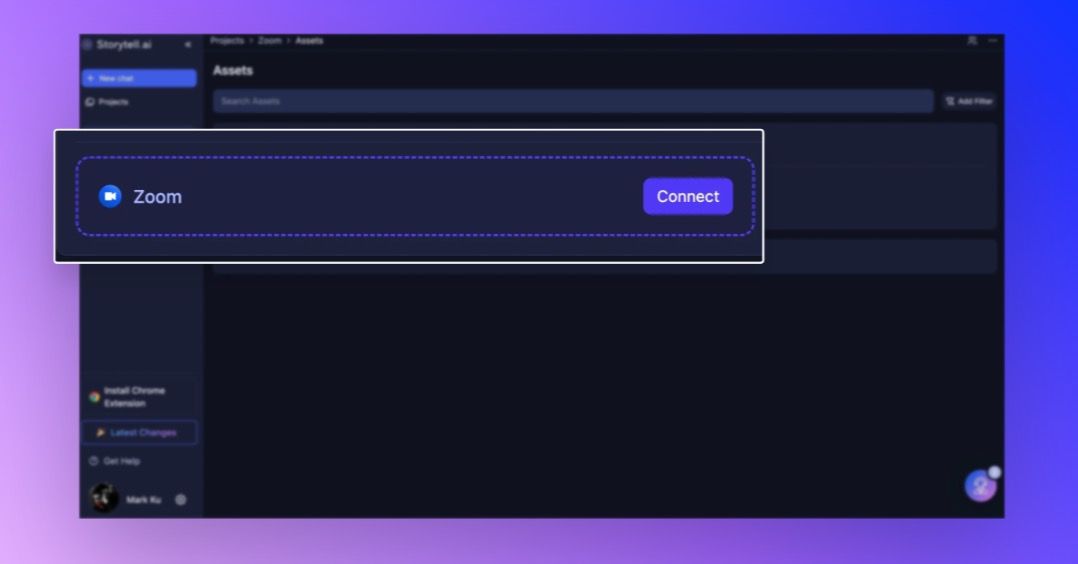
From Assets - Open the Assets sidebar, find the Zoom section, and click Connect
Once connected, Storytell automatically syncs:
Meeting transcripts - Full text of everything said in your recorded meetings
The initial sync starts immediately, pulling in your existing recordings. After that, new recordings sync automatically in the background—you don't need to do anything.
Smart Organization, Automatically
Every synced meeting gets automatically labeled with time-based tags, so you can easily find what you need:
Zoom - All synced content gets this label
Year, Month, Day - Find meetings by when they happened
Quarter and Week - Filter by time periods (perfect for quarterly reviews)
Weekday - See all your Monday standups together
These labels are created automatically and work seamlessly with your existing Collections and search. You can also add your own custom labels if you want to organize meetings by project, team, or topic.
Project-Scoped for Better Organization
Zoom integrations are tied to specific projects, which means you can:
Connect different Zoom accounts to different projects (great for separating work and personal)
Keep meeting context organized by project
Have team-specific integrations without mixing content
When you connect Zoom, it's automatically associated with your currently active project. If you need to sync meetings to multiple projects, just switch projects and connect again—each integration works independently.
Using Your Synced Meetings
Once your meetings are synced, you can:
Reference them in your prompts - Use @ mentions to pull meeting transcripts into your conversations
Search across all meetings - Find specific discussions, decisions, or action items instantly
Include in Collections - Organize meetings alongside related documents and knowledge
Chat about meeting content - Ask SmartChat™ questions about what was discussed, who said what, or what decisions were made
Try it out: Connect your Zoom account and watch your meeting knowledge become part of your project's intelligence. We'd love to hear how it's working for you.