February 20th, 2026
New
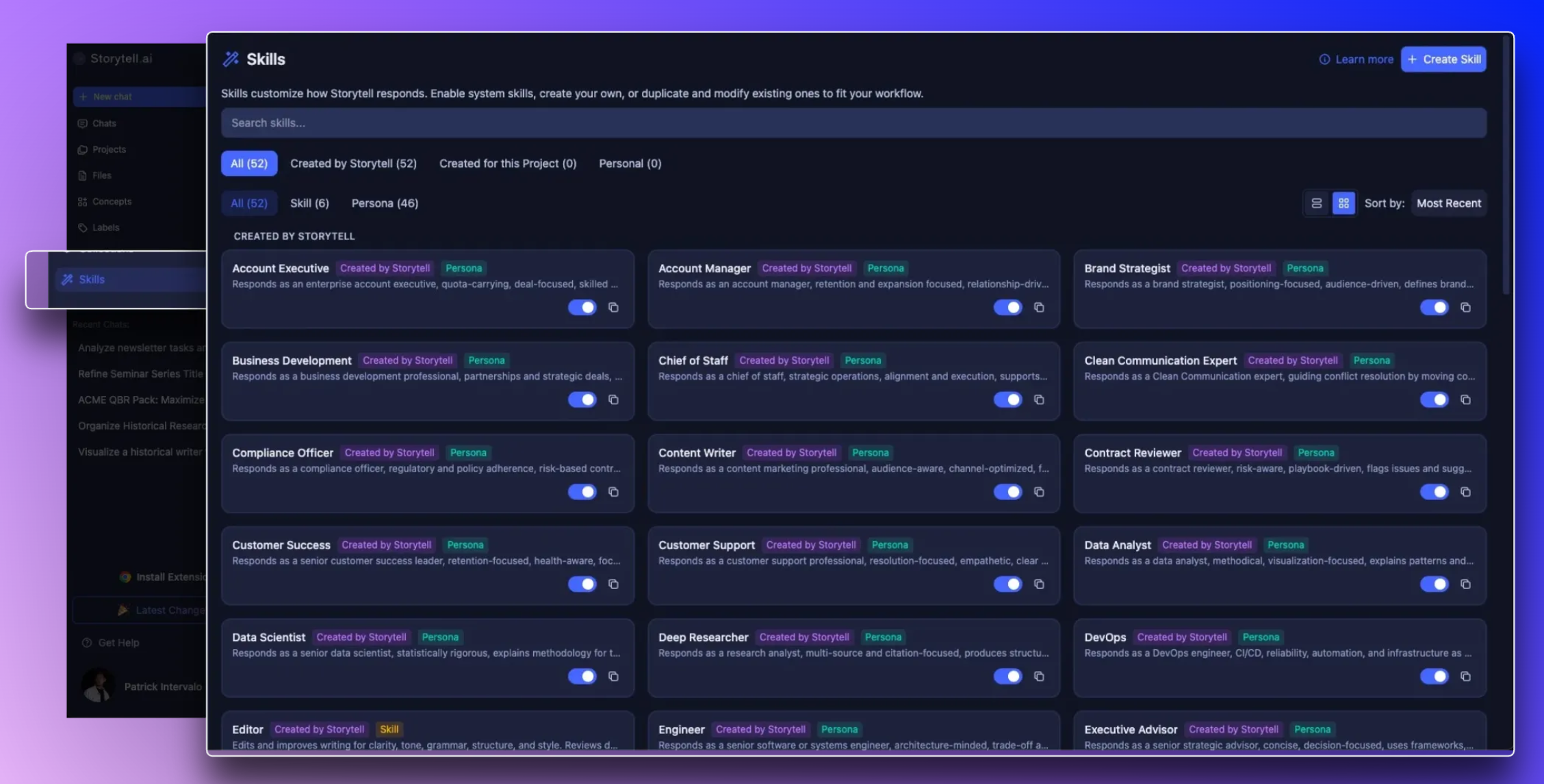
Skills: Reusable instruction sets so Storytell works your way
The Skills feature lets you create and use reusable instruction sets that guide how Storytell approaches specific tasks. Apply Skills in chat to get consistent summaries, fact-checking, research, and writing your way.
Learn more at: Skills
What’s new
@mention a Skill in chat: Type
@in the prompt bar, select a Skill from the list, and Storytell applies it to that message.Automatic activation: Storytell can automatically activate a Skill when your prompt matches its purpose (e.g., “summarize this”).
Create custom Skills: Use the Skill Creator in chat or the Skills page to define new Skills, save to your account (User) or project (Project), and refine as needed.
Built-in Skills: System Skills like Summarizer, Fact Checker, Editor, and Deep Researcher are ready to use; enable or disable them for your workflows.
Why this matters
Consistency: One Skill ensures the same style and process every time.
Control: Choose which Skills are active for a message or let Storytell decide automatically.
Customization: Build Skills for your personal workflow or your project team.
Clarity: See which Skill was applied in the response with a Skills block.
What to know
Skills have Name, Display Name, Description, Content, Scope, and Category.
Scope options: System (everyone), Project (team), User (only you).
Skills work alongside your Prompt Library, files, Collections, Labels, and tools.
Automatic activation depends on your enabled Skills and your prompt. To guarantee a Skill is used, @mention it.
Learn how to: Create your own Skills
Who benefits
Users who want consistent, repeatable outputs for summarization, fact-checking, research, or writing.
Teams who want shared workflows and aligned results across projects.
Anyone looking to customize Storytell’s behavior without rewriting instructions each time.
🚀 Pro Tips
Combine Skills with #variables and @mentions for flexible workflows.
Save frequently used Skills to User or Project scope to make them easy to access anywhere.
Use automatic activation for quick, hands-free consistency, or @mention to enforce a specific behavior.