October 21st, 2025
New
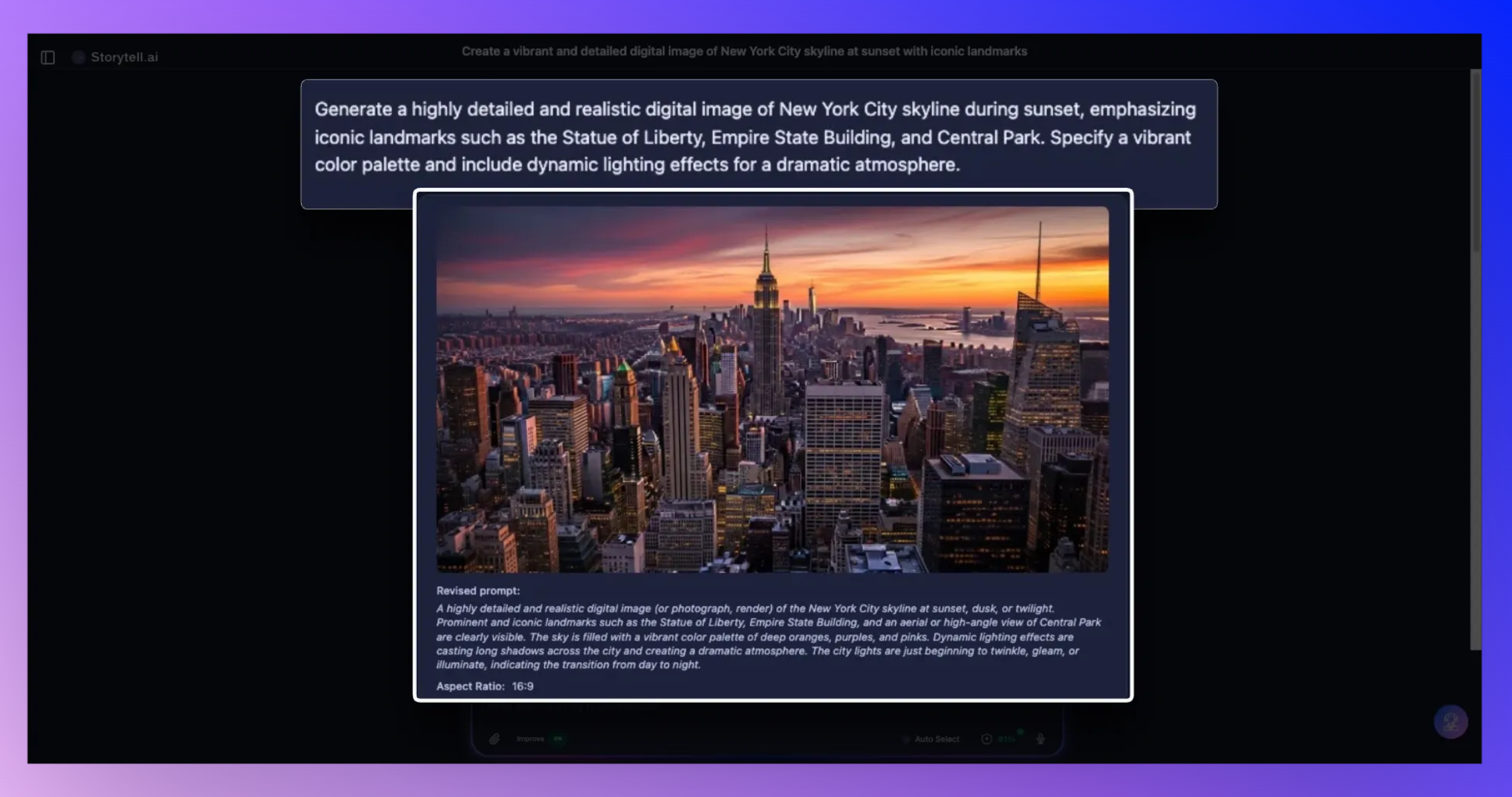
Image Generation in Storytell
You can now generate images directly from your prompt, from photorealistic visuals to on-brand infographics. It’s designed for teams who want to go from insight to creative without leaving Storytell.
⚠️ Image generation is a beta feature and is more prone to errors like misspellings in charts and graphs. Make sure to double check the underlying data before using.
Create Infographics, Photorealistic images & More
Storytell helps you tell data-driven stories that help your data and ideas come alive. Image generation creates a spectrum of opportunities, from fantastical, like Create an image of a mix of NYC and SF …

…to useful, like Search the web for details on the latest AWS outage, and create an infographic depicting what happened.

You can also view image and text versions of the same data side by side by using the Open Editor button:

Just ask for what you need:
“Create a photorealistic image of a new sneaker drop inspired by our Q4 campaign themes.”
“Generate an infographic summarizing our audience sentiment by region using the latest NPS data.”
“Make a lifestyle image showing a family using our new subscription product at home.”
Storytell automatically routes your request to the best image model for the job, or you can target a specific one by mentioning it in your prompt.
For example:
“Create a lifestyle photo of a couple hiking at sunset using Imagen 4.”
Available image models:
DALL·E (OpenAI) – expressive and creative; great for campaign or concept ideation
Nano Banana (Gemini Flash) – fast and efficient for rapid visuals or storyboards
Imagen 4 (Gemini) – best for photorealism and detailed brand-style images
If you don’t specify a model, Storytell’s router will pick the best one based on your prompt, so even complex or data-based requests like infographics or moodboards just work.
💡 Pro tip: Image generation is free to try right now and doesn’t use any credits during this preview period. Perfect time to explore what Storytell can visualize for you.