October 31st, 2025
New
Improved
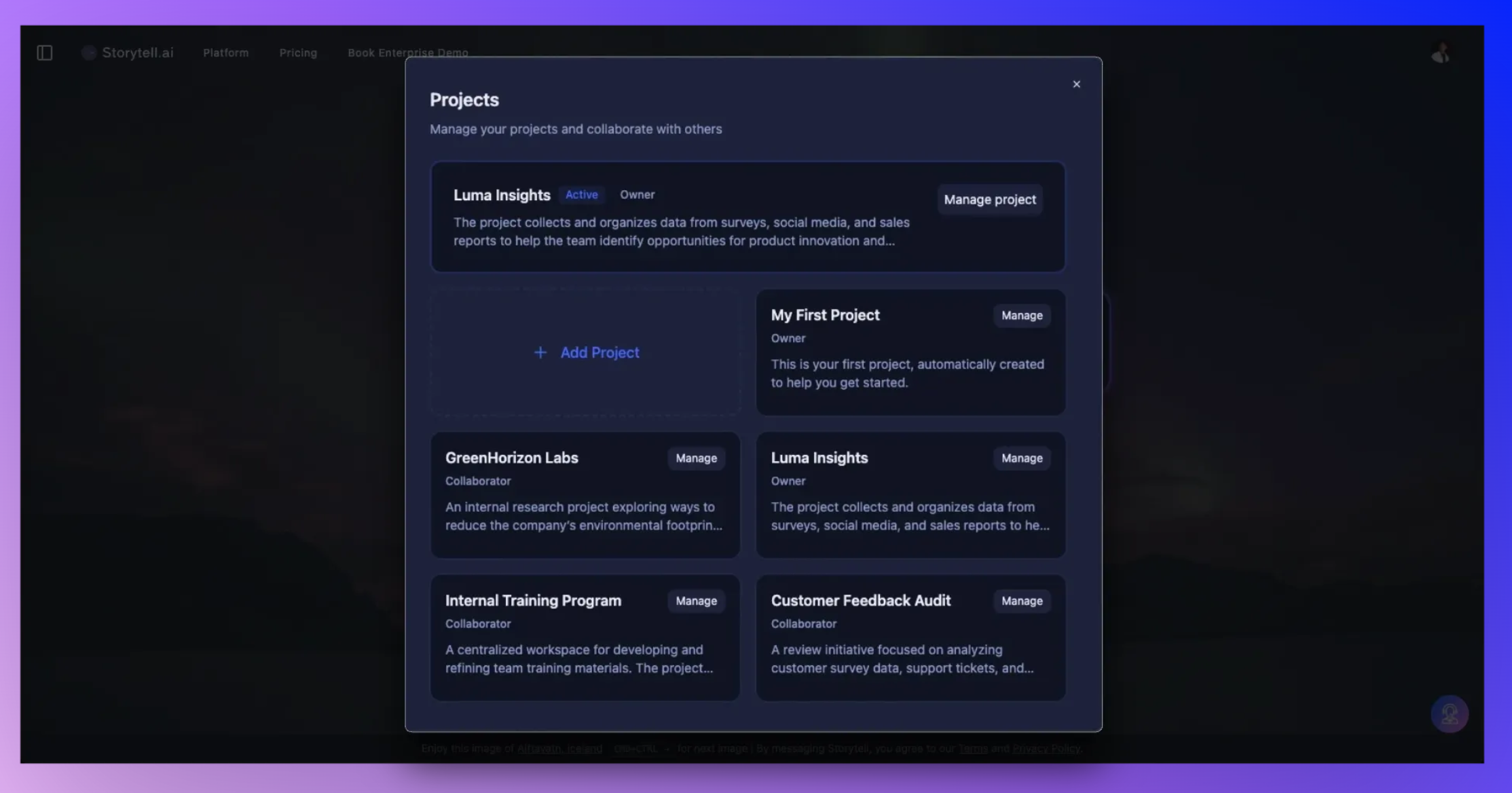
Collaborate and stay organized with Storytell Projects
Projects in Storytell give your team focused spaces to work together.
Each Project keeps chats, files, and knowledge organized, so collaboration stays clear and context never gets mixed up.
Keep work focused
Projects serve as dedicated workspaces for all the tasks your team is working on.
Each one has its own chats, assets, and knowledge base, so you can stay organized whether you’re managing clients, running research, or testing new ideas.
Use Projects to:
Keep client work separate and structured
Run internal analysis or experiments
Organize shared initiatives without clutter
Learn more about how Projects work → Projects Overview
Collaborate with roles that make sense
Invite teammates and assign them the right level of access:
Owner – manages the Project, invites, and permissions
Collaborator – adds files, chats, and builds knowledge
Reader – view-only access for visibility and review
Roles make it simple to bring in the right people and keep control over what’s editable or visible.
Teams can now work in shared Projects with synced knowledge and context, no more scattered files or duplicate threads.
Learn more about roles and permissions → Project Roles
Keep context contained
Everything in a Project stays private to that workspace unless you share it.
It’s an easy way to manage multiple teams or clients without mixing information.
ⓘ Tip: Use domain invites to give your whole organization access at once with preset roles. Perfect for larger teams or agencies managing multiple Projects.
⚠️ Important: Anyone with a shared Project link gets the access level tied to that link.
Be careful — sharing an Owner link gives full control of the project to anyone who opens it.